Menu Template:
Light Blue Drop Down Menus - Rounded Corner


 |  |  |
Dreamweaver Animated Templates
This menu is generated by Dreamweaver Menu Extension.
Create your own menu now!

| | |
This menu is generated by Dreamweaver Menu Extension.
Create your own menu now!

To install the menu into your html page you should do the following things:
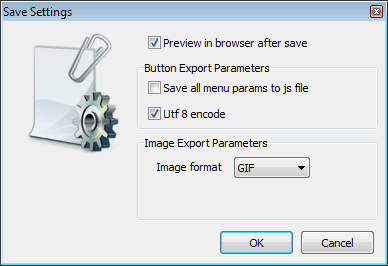
Create and save your buttons in any temp folder using Vista Buttons application. It will be better to export all menu code to external .js file. Go to "Tools/Export options...". Check "Save all menu params to js file" option.
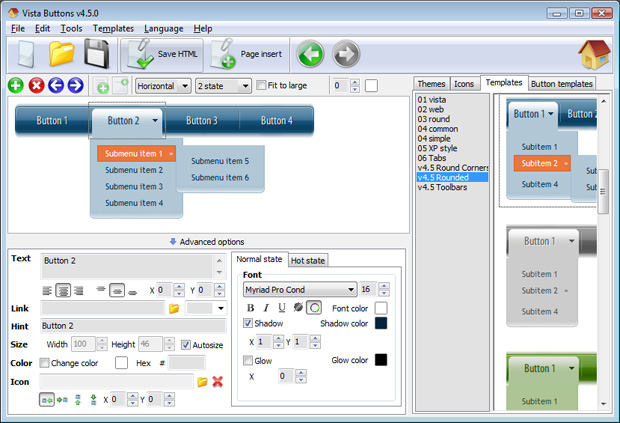
You can use "Save as HTML" function.
You can enter any name you like, for example enter "menu":
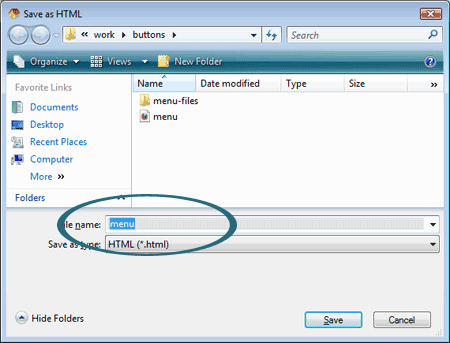
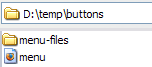
So you'll have menu.html file and "menu-files" folder with all menu files.
- Start Dreamweaver and open your website. When the website opens, it should look like this:
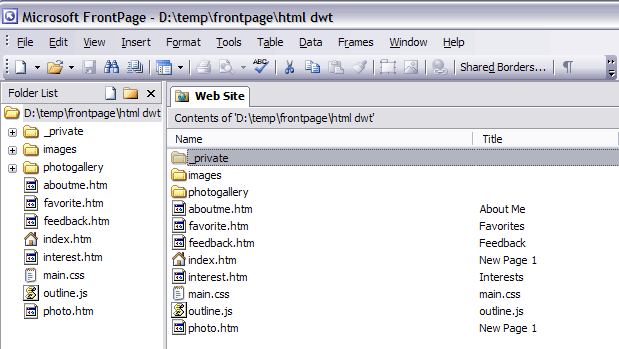
- Lets create the template for the website which we'll use on all pages. Delete all unnecessary code from this page.
- Now you should add a down menu in your template page. Switch to the Design view mode. Decide where you would like the down menu to appear in your page. Click in the spot you want the code to appear in and type the phrase: your code here

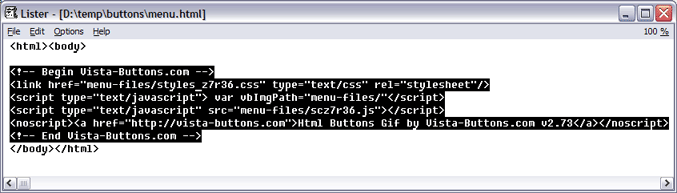
- Open the generated in Vista Buttons menu.htmlpage in any text editor. Copy all code within the following tags:
<!-- Begin Vista-Buttons.com -->
...
<!-- End Vista-Buttons.com -->
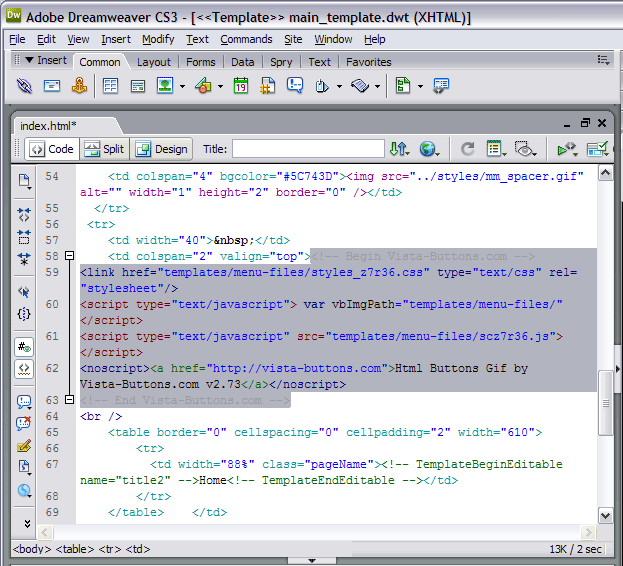
- We will now be inserting the JavaScript code into the body section right where we typed the phrase in the previous step. To do this, switch to HTML View.
- Go to the "Edit Menu" with Dreamweaver and select the "Paste" option to paste the menu code that we copied to the clipboard earlier. Since the phrase we typed was highlighted, it will be replaced when we paste the code in.
- To display images correctly you should change "menu-files/" to "templtes/menu-files/". Find the following code
<!-- Begin Vista-Buttons.com -->
<link href="templates/menu-files/styles_z7r36.css" type="text/css" rel="stylesheet"/>
<script type="text/javascript"> var vbImgPath="templates/menu-files/"</script>
<script type="text/javascript" src="templates/menu-files/scz7r36.js"></script>
<noscript><a href="http://vista-buttons.com">Html Buttons Gif by Vista-Buttons.com v2.73</a></noscript>
<!-- End Vista-Buttons.com -->
- Switch to the Design view mode. Now you should select regions that will be editable. For example lets create three editable regions: two titles and the main content area. Right click the selected area, choose the templates, and make the template become new editable region.
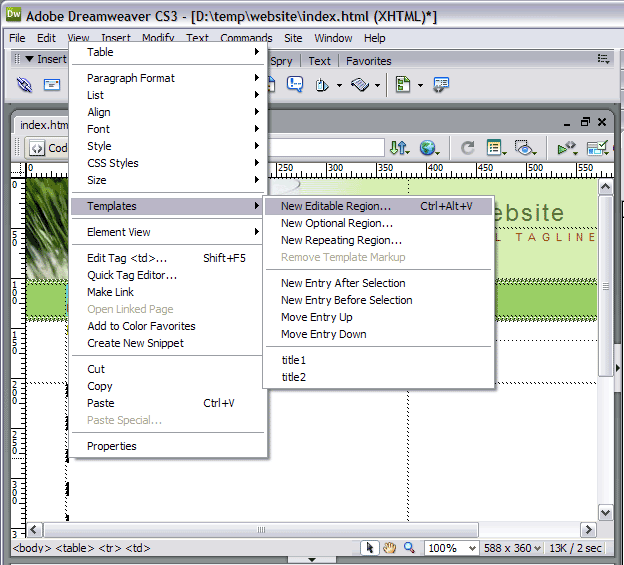
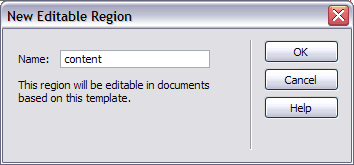
- You can enter any name you like, for example enter "content":
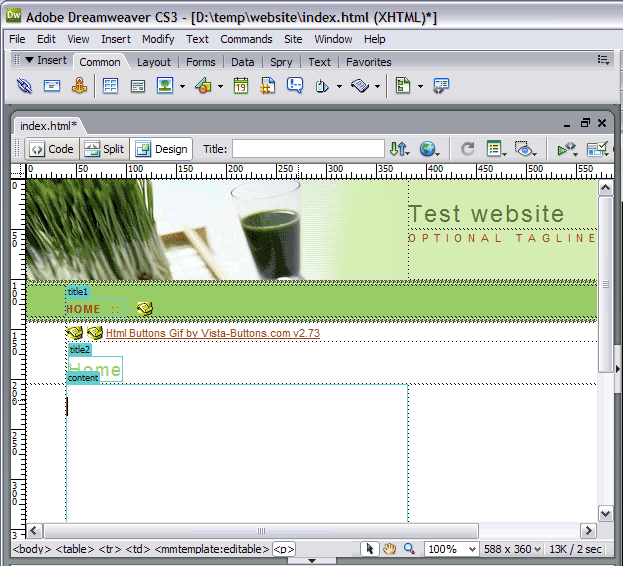
- So, you'll have:
- Save this file as a template. So, the file will store in the assets of the files.
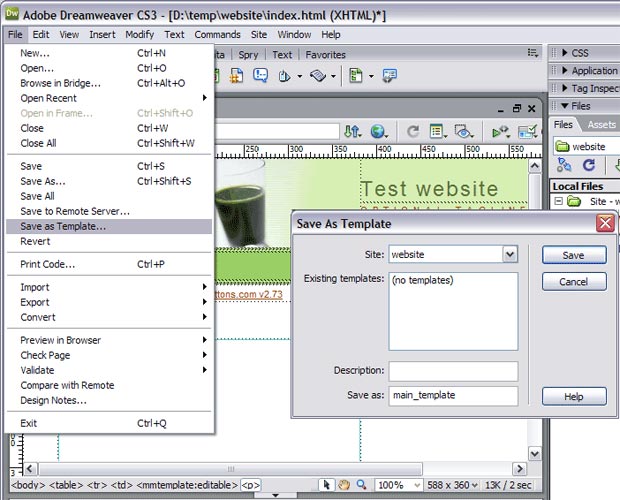
- Your template will be saved in the "templates" folder. Now you should copy the "menu-files" folder into the same folder with your main_template.dwt page ("templates" folder).
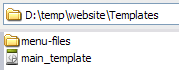
- Attach a Dynamic Web Template to your pages.
a. Open the Web pages you want to attach a Dynamic Web Template to.
b. On the Modify menu, point to Templates, and then click Apply Template to Page....
c. Locate and click the Dynamic Web Template (main_template.dwt) you want to attach, and then click Select.
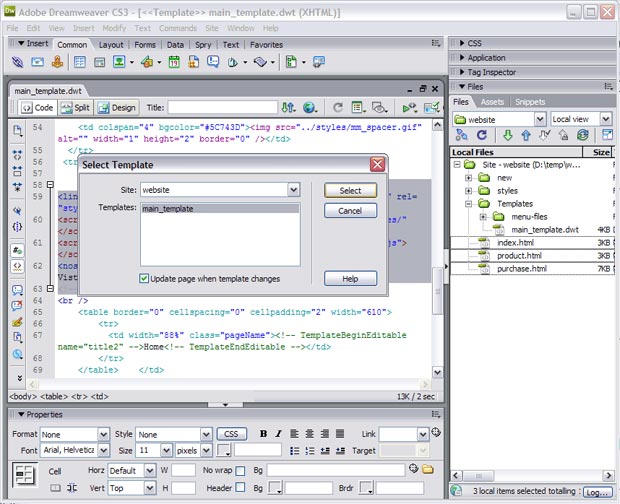
d. In the appeared window you should resolve the corresponding regions:
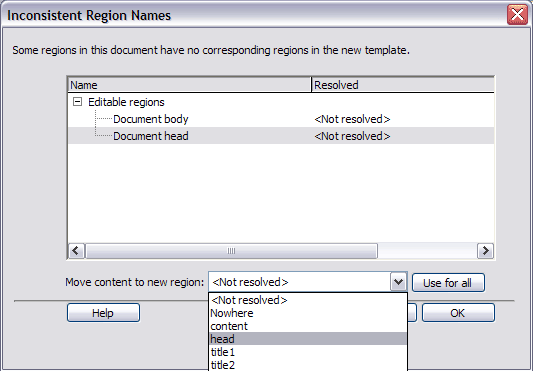
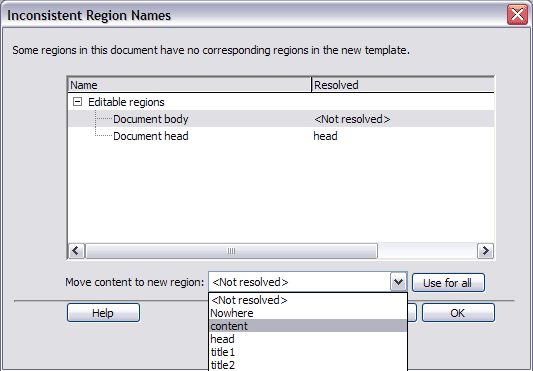
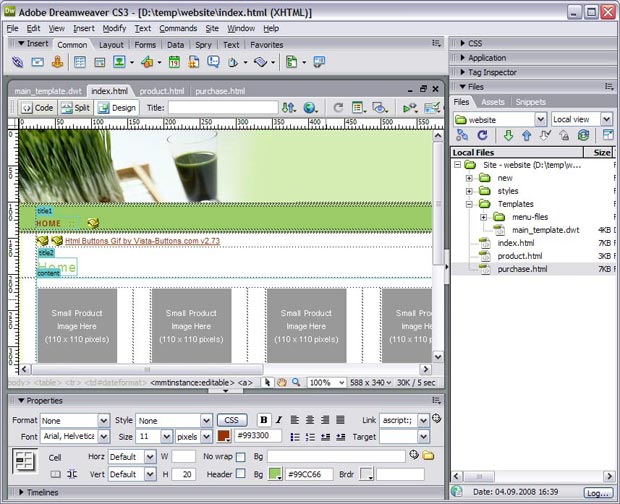
- That's all. You've attached the template to your page, so let's test it. Select "File/Preview in browser/IExplore" to display the page live (in Internet Explorer).
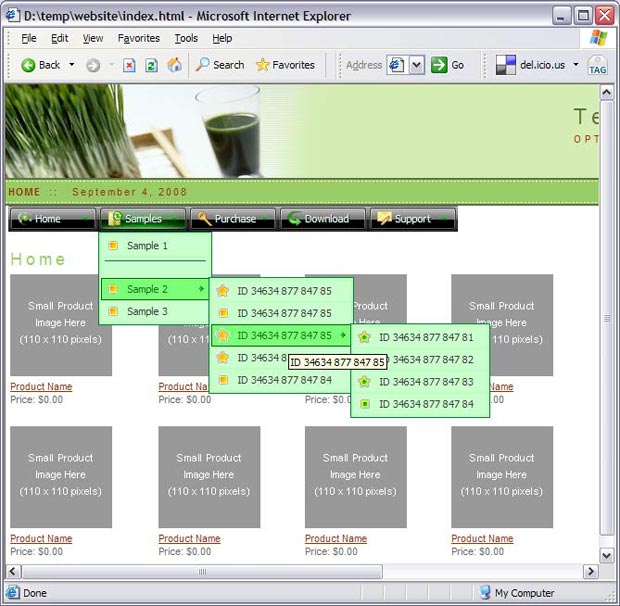
- If everything goes well, save and publish your website. If something seems wrong, double-check that you followed all the steps correctly.
- If you still run into trouble, we'd be happy to assist you further. You can post your problem to us at  , and meanwhile describe your files in details.
(please include template name in the message title)